
Move-in for Winter Housing
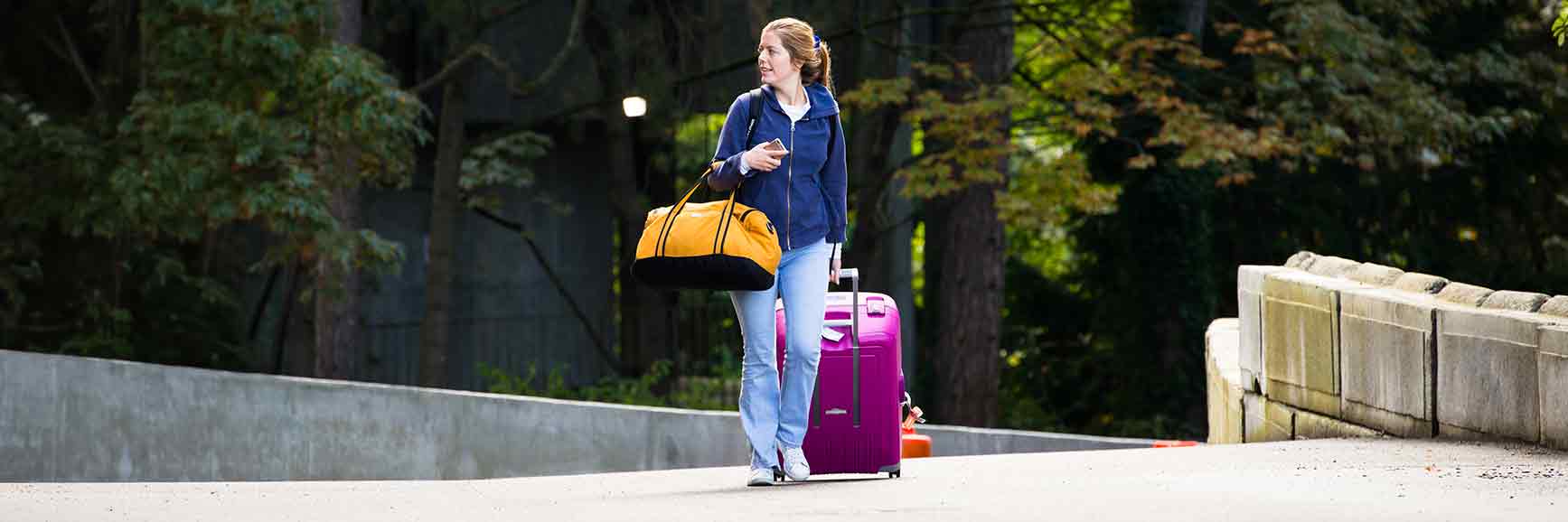
Moving in for Winter 2026? We can't wait to welcome you to your Husky Home!
Moving in for Winter 2026? We can't wait to welcome you to your Husky Home!
Move-in Winter Quarter
January 2026
Congratulations, you're about to embark on an unforgettable journey—living on campus at the University of Washington (UW). Get ready for an incredible experience as you step into your Husky Home—we can't wait to share in the excitement with you!
Residence Hall Check-in
Step 1
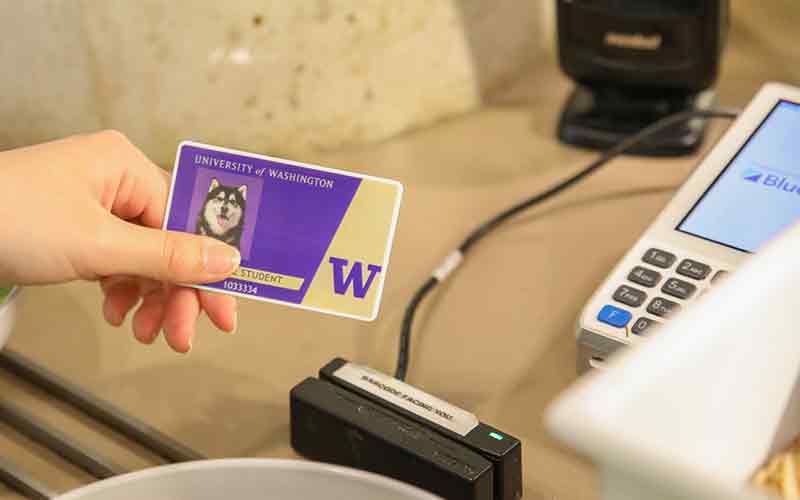
You will be asked to present your Husky Card at check-in. You may check in by showing another form of photo ID.
Step 2
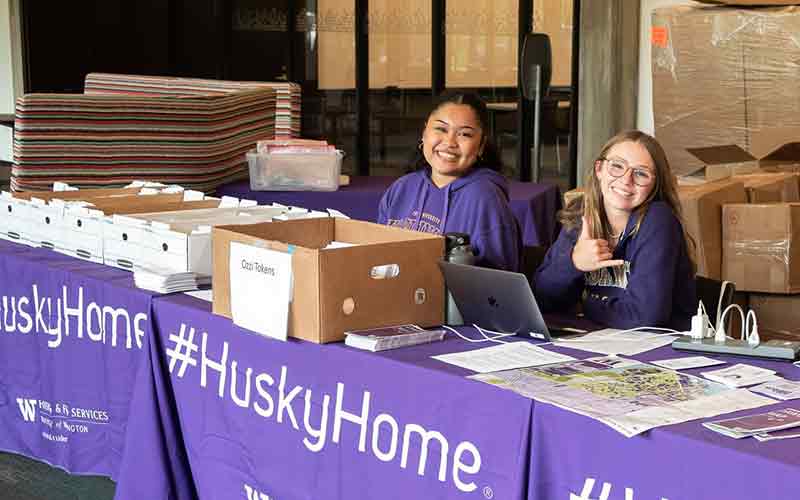
You will be given your room and mailbox keys.
Step 3
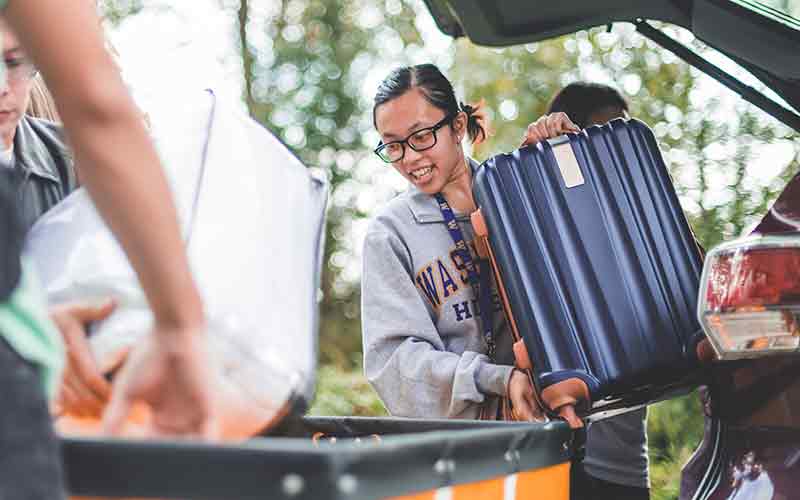
Once you have received your keys, you may begin moving into your room.
Residence Hall Tips
Don’t let those must-have shopping lists distract you, only bring the basics that you know you’ll need. It’s easier to scale up than get rid of items you never used. We suggest you avoid purchasing larger items until you move into your room. Bring your Husky Card: Your UW student ID card allows you access to your residence hall, dining facilities and amenity spaces. If you don’t receive your card before you move in, you will need to obtain one from the Husky Card Account & ID Center (Husky Card Office), located on the ground floor of Odegaard Undergraduate Library.
Visit the webpage for your building to take a virtual tour, view a common floor plan and learn more about the included furnishings. Unfortunately, we cannot provide exact dimensions for your specific room because all rooms vary slightly in size and orientation.
What to Bring
Sheets, blankets, comforter (size: twin extra-long/XL)
Pillows and pillowcases
Towels
Surge protector and extension cord
Toilet paper (except Hansee and McMahon)
Cleaning supplies
Apartment residents: kitchen supplies, (pots, pans, utensils)
What NOT to Bring
To help keep you and your fellow Huskies safe, the following items are prohibited:
Halogen lamps
Space heaters
Air conditioners
All open-flame appliances (e.g., fondue pots)
Open-coil appliances (e.g., toasters, toaster ovens)
Full-size appliances
Dishwashers
Bidets or water spray hoses
Coordinate Larger Items with Your Roommates
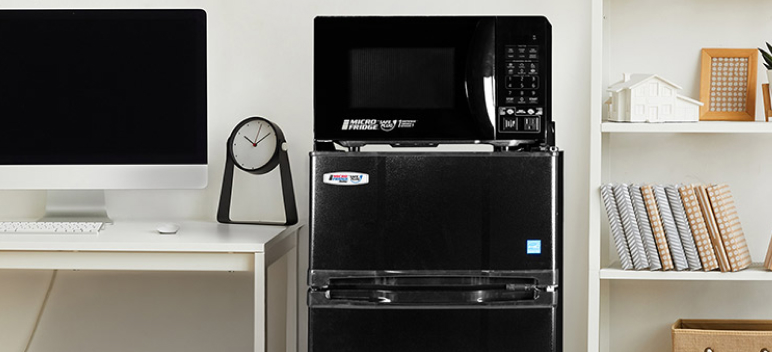
Avoid bringing duplicates. The less you bring, the more space you’ll have in your room and the less items you will need to figure out how to dispose of when you move out! Remember, everything you bring with you, you’ll need to take out at the end of the year. You can rent a Danby mini-refrigerator and microwave combo from MicroFridge.
Refrigerator (4.4 cubic feet or less)
Microwave (700 watt maximum)
Television (Residents in McCarty Hall, Spratlen Hall, Oliver Hall, or Oak Hall will need a smart TV or internet-ready streaming device)
MICROFRIDGE BY DANBY
In partnership with UW Sustainability
move-in with microfridge
Shipping Items Prior to Move-in
Packages can be sent to your residential community up to seven days prior to your scheduled move-in. To find your address, go to your assigned residence hall's webpage. Please be aware that UW residence halls receive thousands of packages around Move-in. Bringing items with you when you move in will help you avoid the lines and waiting associated with package pickup.
Connecting to the Internet
Unleash the full potential of your tech-savvy self with our exclusive computing resources at the UW. Check out the ultimate guide on connecting to the UW network.
Guests and Vehicles
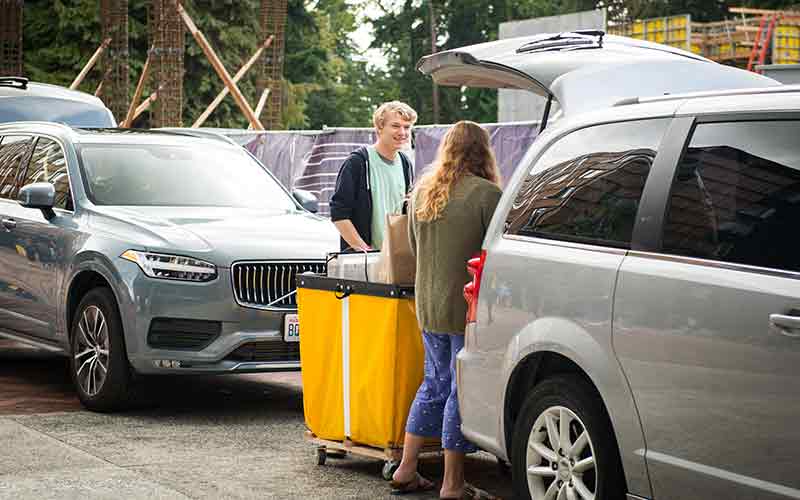
Let's make Move-in day a breeze! We encourage residents moving in to limit themselves to one vehicle while moving in belongings. Please remember to secure your belongings when packing up your vehicle for the big move! For more information on securing your load, read these tips.
To guarantee a smooth and efficient experience, bring along a maximum of two awesome guests when you arrive at your new Husky Home. Let’s rock this Move-in together.
Arriving to Campus
Drive to your vehicle (or direct your taxi, rideshare or shuttle) to the loading zone closest to your check-in area (Lander Desk or Oliver Desk) using the directions below.
If you are coming to campus directly from SeaTac Airport, there are several transportation options. Please visit SeaTac Airport’s main transportation page to decide the best way for you to travel.
Once you check-in, if you wish to stay on campus, you must move your vehicle to the available on-campus self-serve parking lots.
Please follow all city and University posted signage for parking and loading restrictions. Failing to follow postage signage could result in receiving a parking ticket or other penalties as applicable.
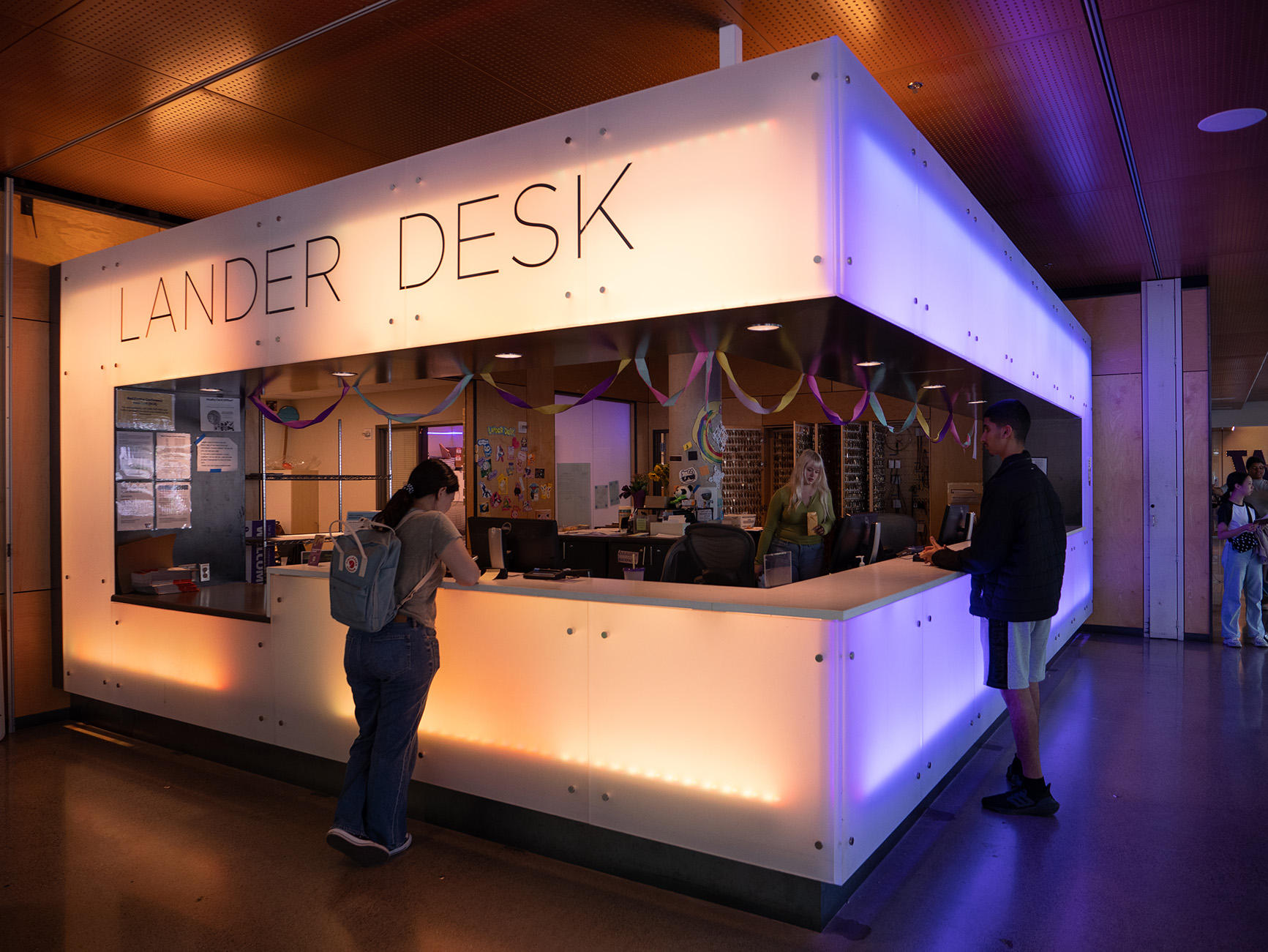
Check in at Lander Desk
For residents in: Alder Hall, Elm Hall, Lander Hall, Maple Hall, Mercer Court, Poplar Hall, Stevens Court, Terry Hall
Come to Lander Desk in Lander Hall for further check-in instructions about where to pick up your keys.
DIRECTIONS TO LANDER DESK (FROM I-5)
Take exit 169.
Take the NE 45th Street exit and proceed east on NE 45th Street towards the University of Washington.
Move to the right lane as soon as possible and turn right onto Roosevelt Way NE.
Move to the left lane. After a few blocks (just prior to crossing the University Bridge), turn left at the stoplight for NE Campus Parkway. Please note that turning left on red at this stoplight is legal.
On the right in front of Lander Hall, park in the taxi drop off area, marked by signs.
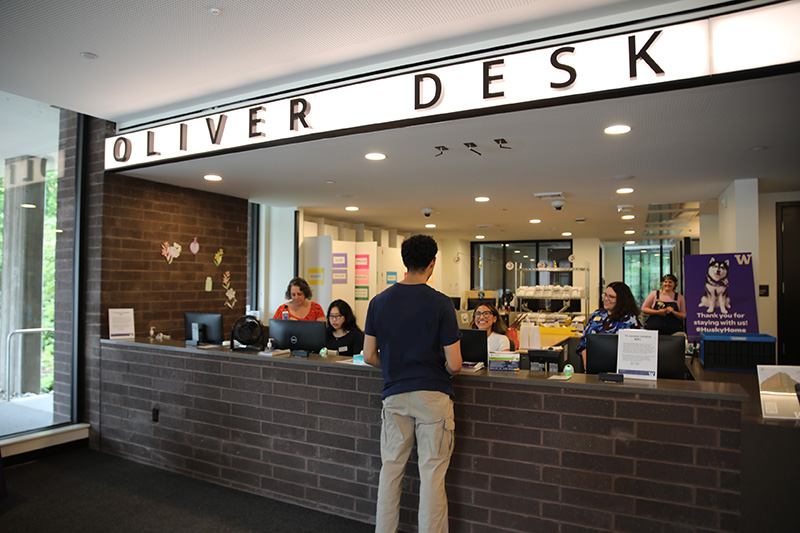
Check in at Oliver Desk
For residents in: Hansee Hall, McCarty Hall, McMahon Hall, Oak Hall, Oliver Hall, Spratlen Hall
Come to Oliver Desk in Oliver Hall for check-in. You’ll pick up your keys from the Willow desk and then proceed to your room from there.
DIRECTIONS TO OLIVER DESK (FROM I-5)
Take exit 169.
Take the NE 45th Street exit and proceed east on NE 45th Street toward the University of Washington
After a couple of blocks, move to the right lane.
Take a right turn onto Memorial Way NE.
After the UW Gatehouse, take a left on Stevens Way NE.
Take a left on to Sluʔwiɫ (previously Whitman Lane). You will see McMahon Hall on the corner.
Park in the loading zone area, marked by signs on Little Canoe Channel NE, in front of Haggett Hall. Proceed up the pedestrian walkway to Oliver Desk.
Communications from HFS
Stay in the loop and never miss out on important updates. Be sure to keep an eye on your mailbox, room door, and UW email account for essential information! It is your responsibility to read the important information HFS provides to you.
Monitor Your UW Email
HFS will send most correspondence to applicants and residents via their UW email accounts. Be aware that if your email is forwarded to a different account, it may be filtered, refused or treated as spam.
Add Email Contacts
HFS is not responsible for emails not received. Be sure to add hfsinfo@uw.edu, deskservices@uw.edu, hfsfac@uw.edu, wrproc@uw.edu, hfsinfo@hfs.washington.edu and hfsfac@hfs.washington.edu to your email address book or list of approved contacts.
Check for RA Communications
You may also receive emails from Residential Life staff members, such as your Resident Adviser or Community Manager.
Privacy and Safety
Resident safety is one of the UW’s highest priorities. Our safety policy was developed in conjunction with UW regulations and Washington State statutes regarding student privacy. HFS will not, under any circumstances, release room numbers or telephone numbers to any unauthorized person including friends, parents, and relatives. Although this policy may seem inconvenient at times, it provides residents protection and a secure living environment within the UW. We encourage students to make sure their families and friends have their address, as well as their room and telephone numbers.
Your Personal Information
The Family Education Right and Privacy Act (FERPA) prevents us from releasing your information to anyone other than yourself without your authorization. This includes how much you owe on your housing account.
You may authorize HFS to release information about your housing account (e.g., to your parents/guardians) by supplying their names in MyUW. Visit MyUW Resources, then select Student Personal Services under the Accounts and Identity section.
Consider Renters Insurance
You can protect your belongings and ease your worries by ensuring you have insurance coverage for your property. Check with your family's insurance policy or explore the option of adding renters’ insurance for extra protection. If needed, consider independent insurance plans tailored to suit your needs.